
MB Way
Make purchases and transfers. It's easy, instant and costs nothing. Join now!
-
Withdraw money.
-
Instant transfers.
-
At no extra cost.
MB Way?
-
Sign up
-
Transfers
-
Purchases
-
Withdrawals
-
Split the bill
-
At an ATM
-
Security
How do I sign up via Multibanco?
It's very easy!
Follow these 3 steps or watch the video below:
- Go to an ATM and, with your BBVA card, select MB WAY;
- Enter your cell phone and set your MB Way PIN (must contain 6 digits);
- Download the BBVA MB WAY app from the Apple Store, Google Play, on your cell phone and enter the MB Way PIN that you set in the previous step.
How do I sign up for MB WAY via the APP?
- BBVA must have your updated cell phone number on record;
- Download the MB WAY app from the Apple Store or Google Play and select the ‘Don't have MB WAY yet?’ option;<br>
- Enter your card details;
- Set your 6-digit MB WAY PIN;
- Enter your cell phone number.
How do I make instant transfers?
Make instant transfers in the MB WAY app
The transferred value is available automatically in the demand account of the payee of the transfer.
To make your transfers, follow these steps:
- Select the card that you want to use;
- Choose the transfers option;
- Enter the cell phone number of the recipient, the amount to transfer and, if you want, an explanatory message;
- Confirm the operation and enter your MB WAY PIN or Touch ID.
- To make the transfer, the recipient must have joined MB WAY. Otherwise, they will receive a notification by text message of the pending transfer and an invitation to join, valid for 24 hours.
* You can choose how to confirm your operations with the MB Way PIN or using your Fingerprint (Touch ID). To do this, you just need your cell phone to allow it. So, in the MB Way APP, go to Settings and choose the "Fingerprint" option.
How do I make purchases?
With QR Code, or NFC, or cell phone number
QR Code:
- Inform the vendor that you want to pay for your purchase using MB WAY with a QR code;
- Scan the QR Code at the payment terminal;
- You will receive the notification with the value of the purchase and a request to confirm the transaction;
- Enter your MB WAY PIN or Touch ID (Fingerprint) and confirm the transaction.
NFC:
- Inform the vendor that you want to pay for your purchase using MB WAY with NFC;
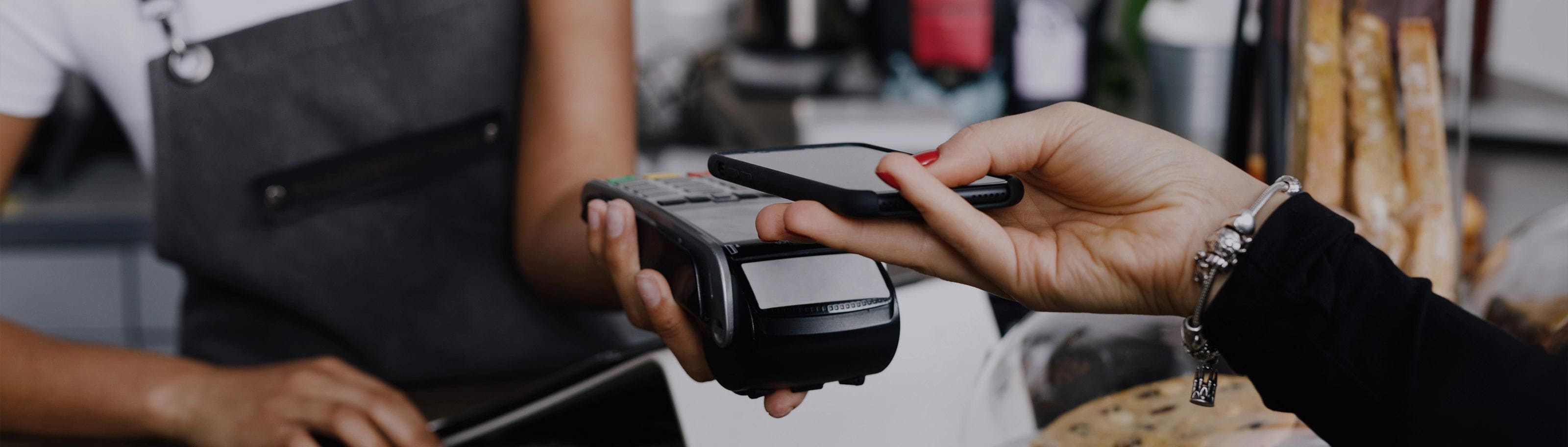
- Place your cell phone next to the payment terminal;
- You will receive the notification with the value of the purchase and a request to confirm the transaction;
- Enter your MB WAY PIN or Touch ID (Fingerprint) and confirm the transaction.
Cell phone number:
- Indicate your cell phone number to the vendor;
- Submit the code that appears on your phone;
- You will receive the notification with the value of the purchase and a request to confirm the transaction;
- Enter your MB WAY PIN or Touch ID (Fingerprint) and confirm the transaction.
* You can choose how to confirm your operations with the MB Way PIN or using your Fingerprint (Touch ID). To do this, you just need your cell phone to allow it. So, in the MB Way APP, go to Settings and choose the "Fingerprint" option.
Left your wallet at home and need to withdraw cash?
It's simple, fast, and totally secure.
With MB WAY you can now withdraw cash at any ATM. It's simple, fast, and completely secure.
Just sign in to MB Way on your cell phone and follow the steps indicated:
- Select the "Withdraw Cash" option;
- Set the amount to withdraw;
- Enter the MB WAY PIN or Touch ID*;
- Press the green button on the ATM;
- Enter the code generated by MB Way and confirm the operation.
For your security, the code generated by the MB WAY app will only be available for 30 minutes.
* You can choose how to confirm your operations with the MB Way PIN or using your Fingerprint (Touch ID). To do this, you just need your cell phone to allow it. So, in the MB Way APP, go to Settings and choose the "Fingerprint" option.
Trying to split the bill with your friends?
MB Way does the math for you!
Select the “Split bill” option, then select the contacts with whom you want to split it (up to a maximum of 14 people), indicate the amount of the bill and confirm the operation by entering your MB WAY PIN or Touch ID*. MB Way will do the math for you.
The contacts you selected will receive a notification on their MB WAY app informing them of your request for money corresponding to the split bill. As each one accepts the request, you will receive the money immediately in your account.
* You can choose how to confirm your operations with the MB Way PIN or using your Fingerprint (Touch ID). To do this, you just need your cell phone to allow it. So, in the MB Way APP, go to Settings and choose the "Fingerprint" option.
Did you leave your card or wallet at home and want to go to the ATM?
If until now you could withdraw money from any ATM in the MULTIBANCO network through MB WAY, now you can do everything else: pay bills, load your phone or pass, make transfers, check your balance, and more!
How does it work? It's simple: just press the green key on the ATM and select the option “Utilizar MULTIBANCO”. Then, in your app, choose the card with which you want to use the ATM, select the option “Utilizar MULTIBANCO,” and with the MB WAY camera, scan the QR CODE that appears on the ATM screen.
Lastly, just confirm on the app with your MB WAY code or Touch ID, and your MULTIBANCO session will begin!
With this new MULTIBANCO ATM option, we can save you trip after trip to your house or car for having left your wallet behind.
* You can choose how to confirm your operations with the MB Way PIN or using your Fingerprint (Touch ID). To do this, you just need your cell phone to allow it. So, in the MB Way APP, go to Settings and choose the "Fingerprint" option.
How do I guarantee maximum security?
- When signing up, the cell phone number you enter must belong exclusively to the holder;
- Never follow instructions given to you by unknown sources when making payments with MB WAY; if this is the first time you're using the service, follow the steps indicated on mbway.pt to complete registration;
- Your MB WAY PIN must not be shared. It is personal and non-transferable and disclosing it puts the holder at risk of transactions being carried out in his or her bank account;
- BBVA, or another legitimate entity, will never contact users by phone or email to ask them to add a cell phone number other than their own or an unknown telephone number to their bank account.
- If the user is contacted to join MB WAY with an unknown mobile number, he or she must hang up the phone and notify the bank or the authorities.
Download the BBVA MB WAY app