



BBVA Mobile app

Our App evolved and us too

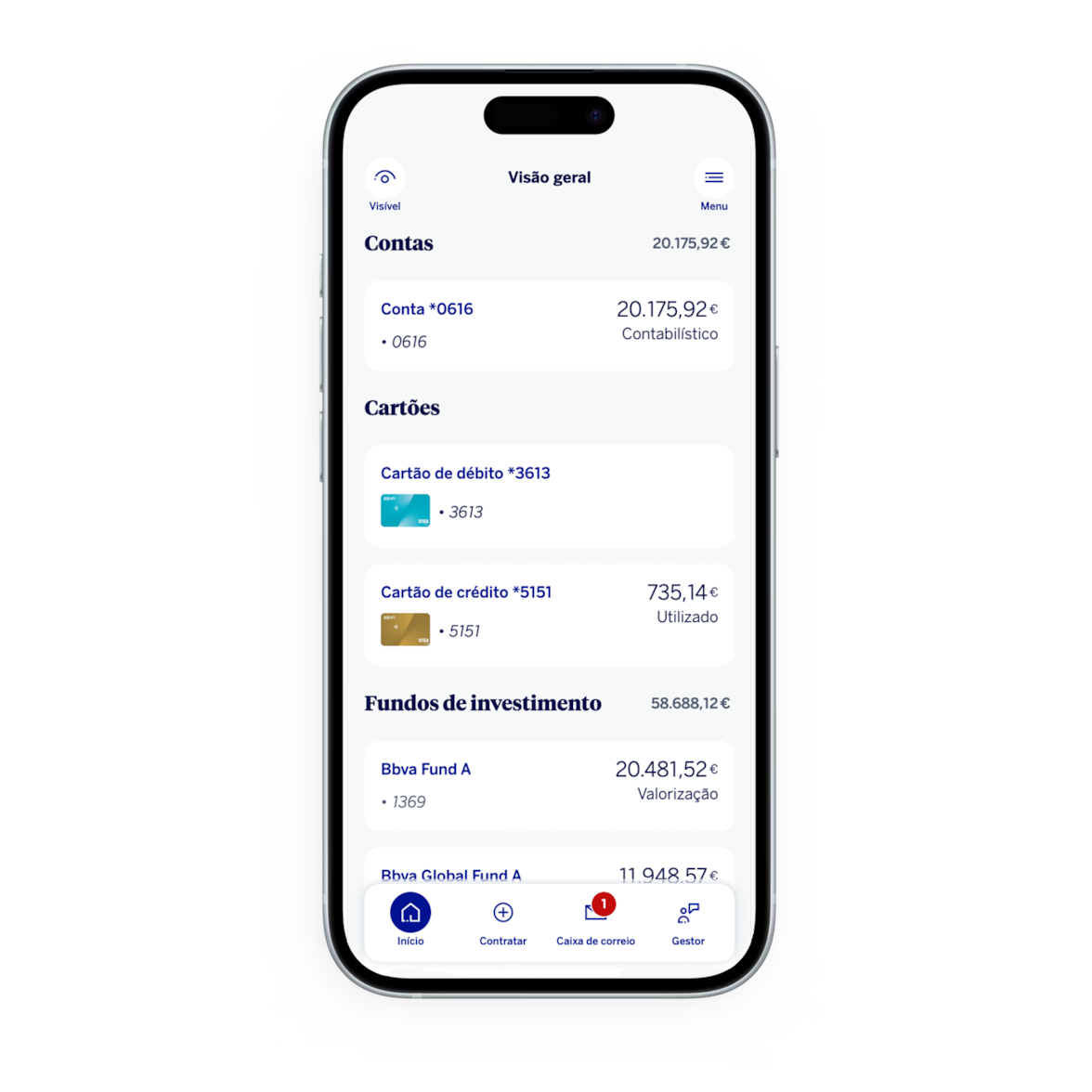
We've redesigned the BBVA app to provide you with a clearer and simpler experience in your daily life.

Try it and discover the new look. Download or update your app now.

Cell phone certification

Since September 2019, under PSD2, it is mandatory to periodically perform Strong Authentication of customers when accessing digital channels and also when validating most operations. For this, it is essential that you have your cell phone certified with BBVA to be able to access the BBVA Mobile app and BBVA.pt home banking.

Getting started is simple.

Start using the BBVA Mobile app

  • Download the BBVA app.
    App available for iOS and Android.
  • Enter your usual codes.
    Use the same access codes as for BBVA.pt.
  • Start exploring.
    Discover the new BBVA experience.

Still don't have access? Talk to your BBVA adviser.

Try it now

Go to the App Store or Google Play to download or update to the latest version.

The same security as always.

New experience, without losing functionality

Your usual app, with a new look.

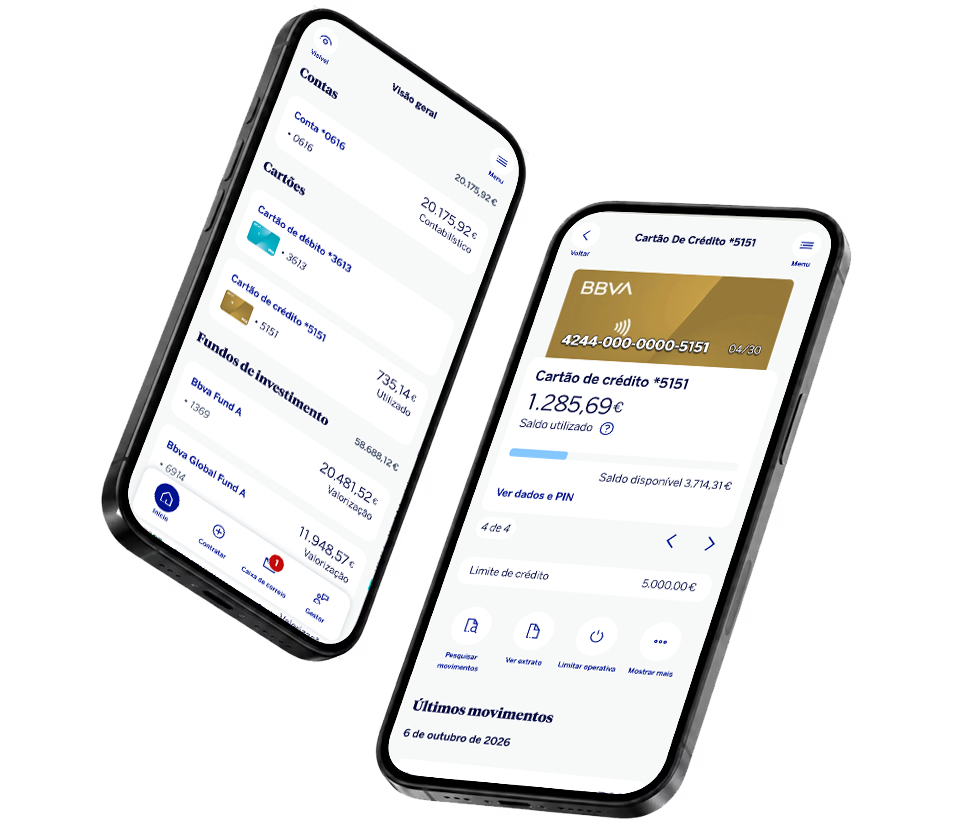
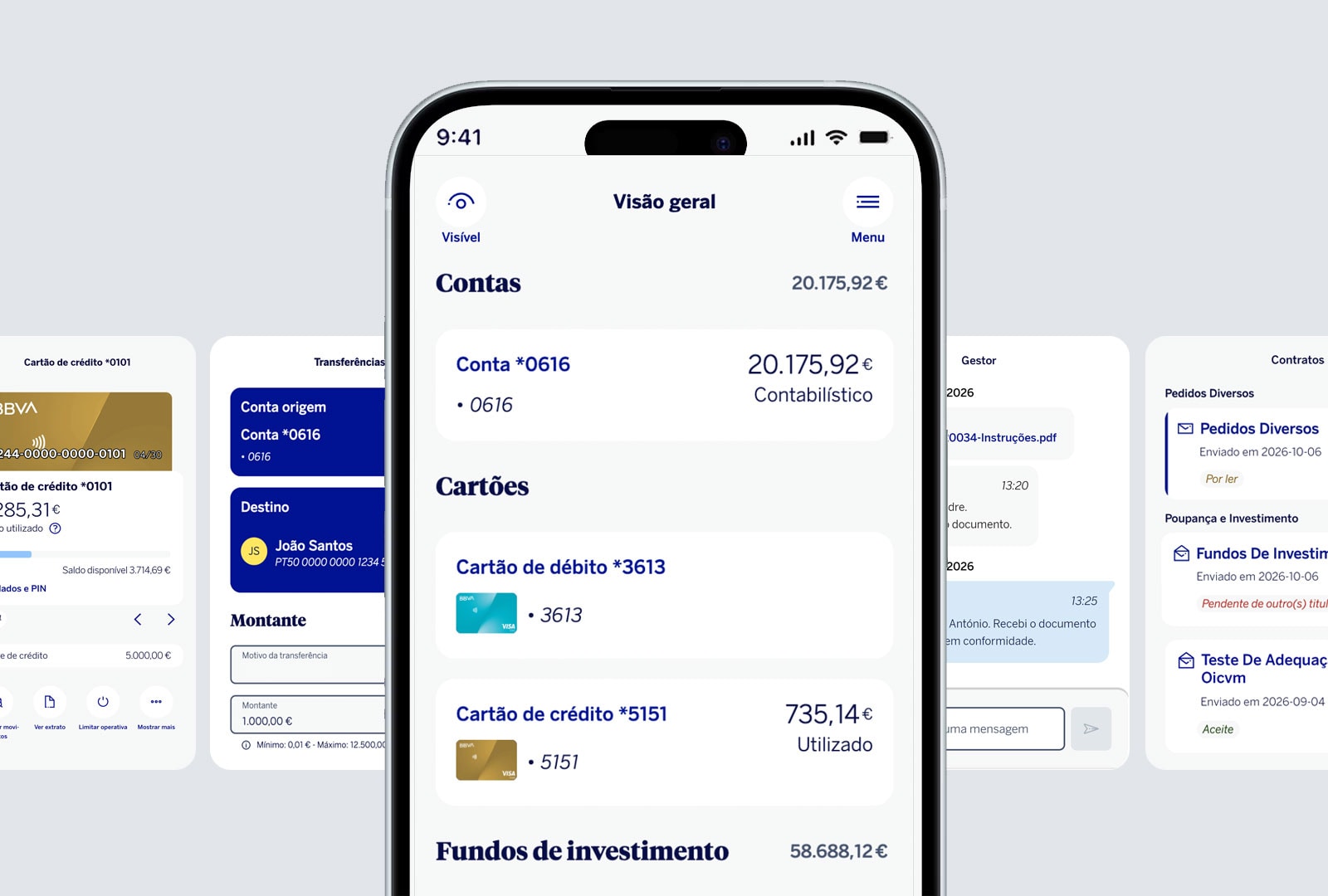
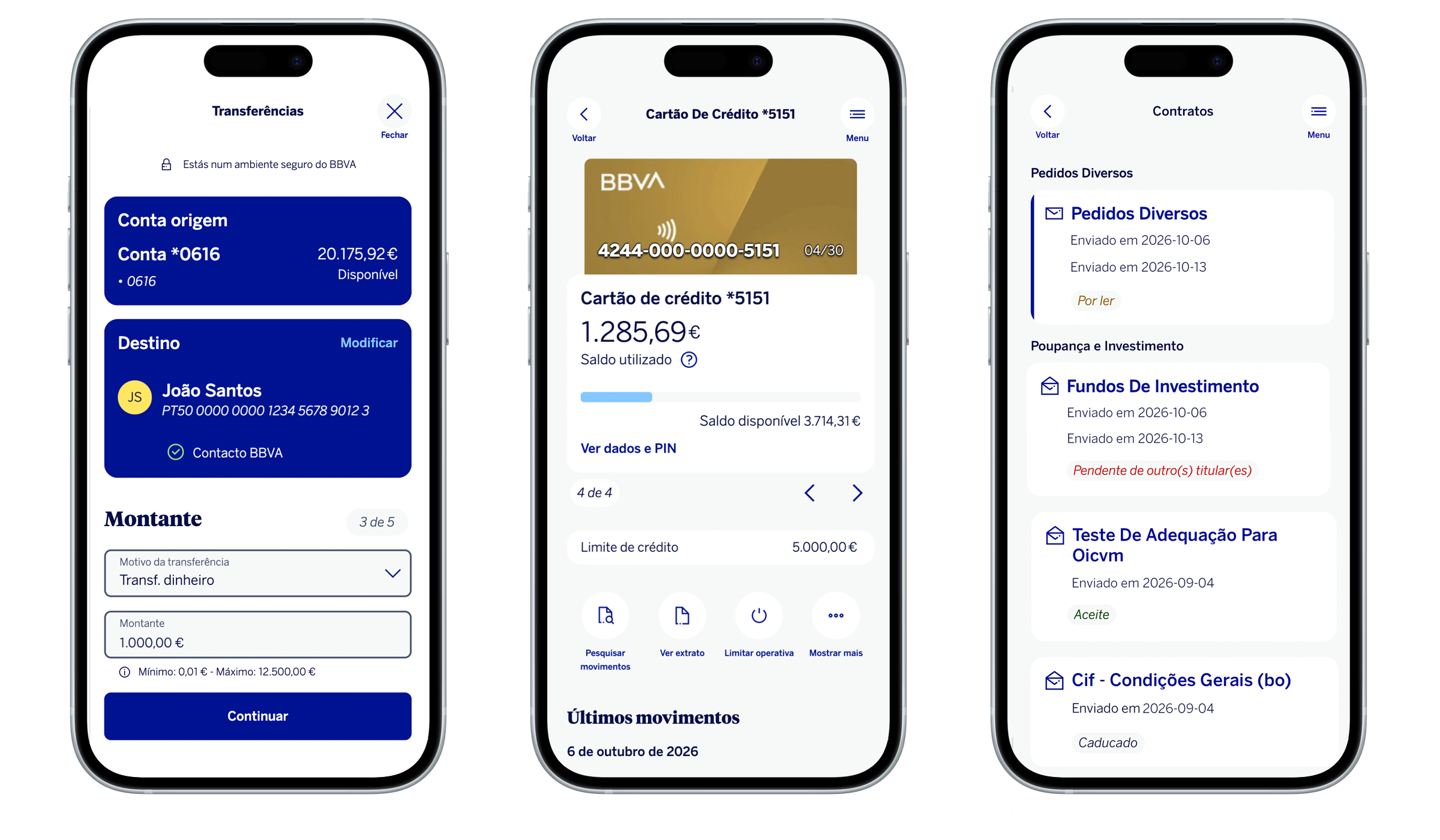
View your transactions, make transfers and payments, talk to your account manager, and much more, now in a simpler and more intuitive experience. with the same security as always.

An experience designed just for you.

New features for a more convenient experience

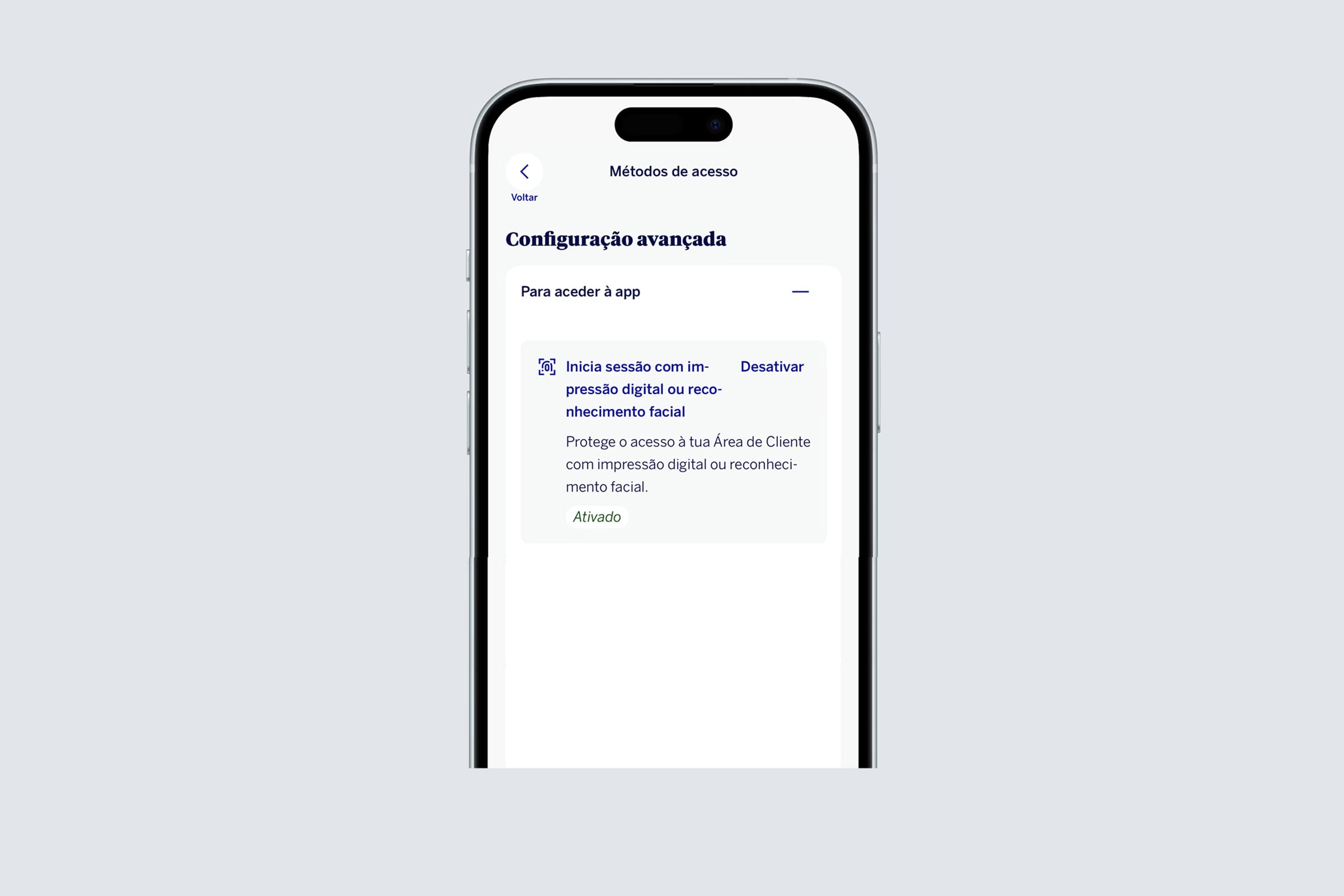
  • Biometric access

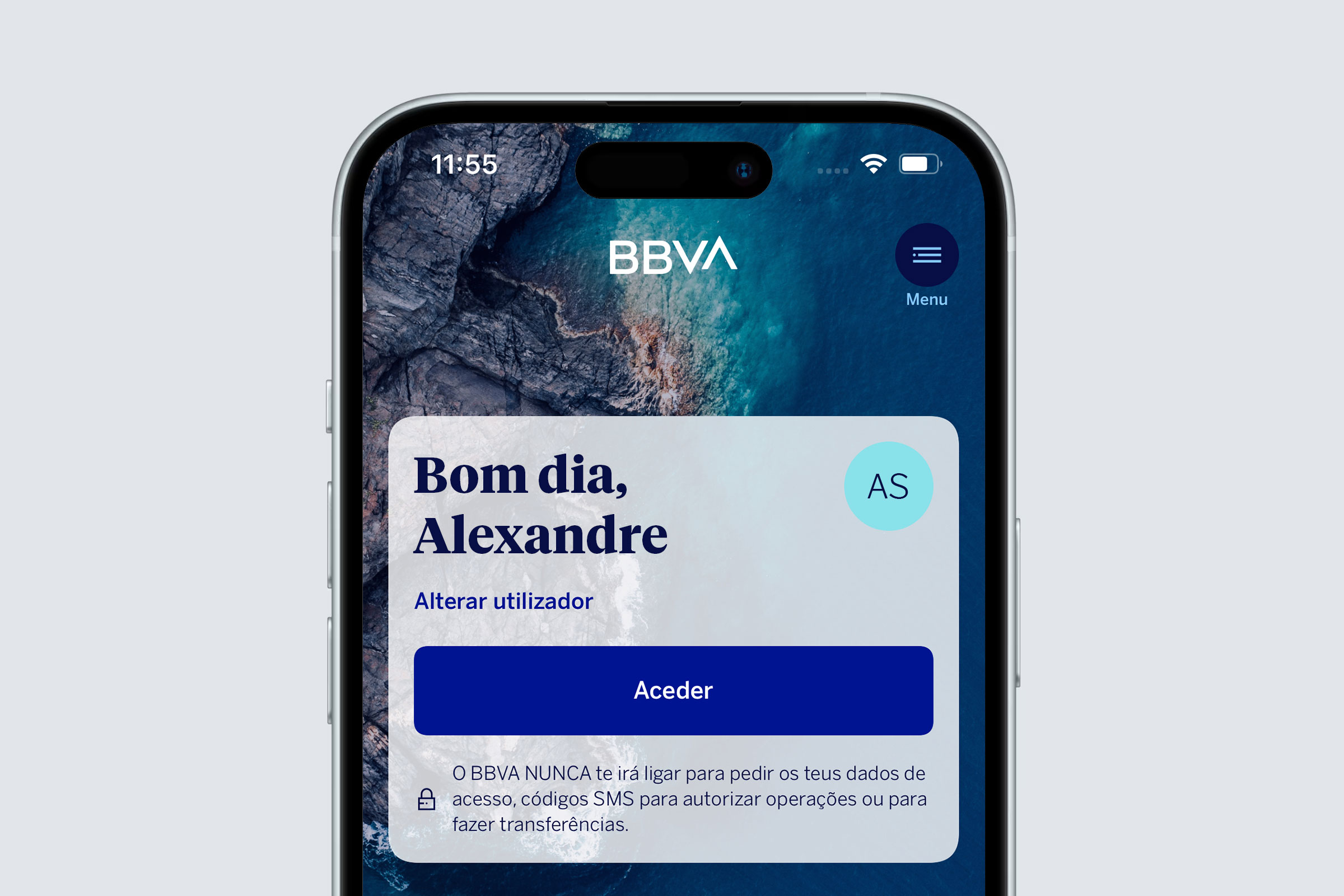
    Log in to the app quickly and securely using biometrics - Face ID or fingerprint.
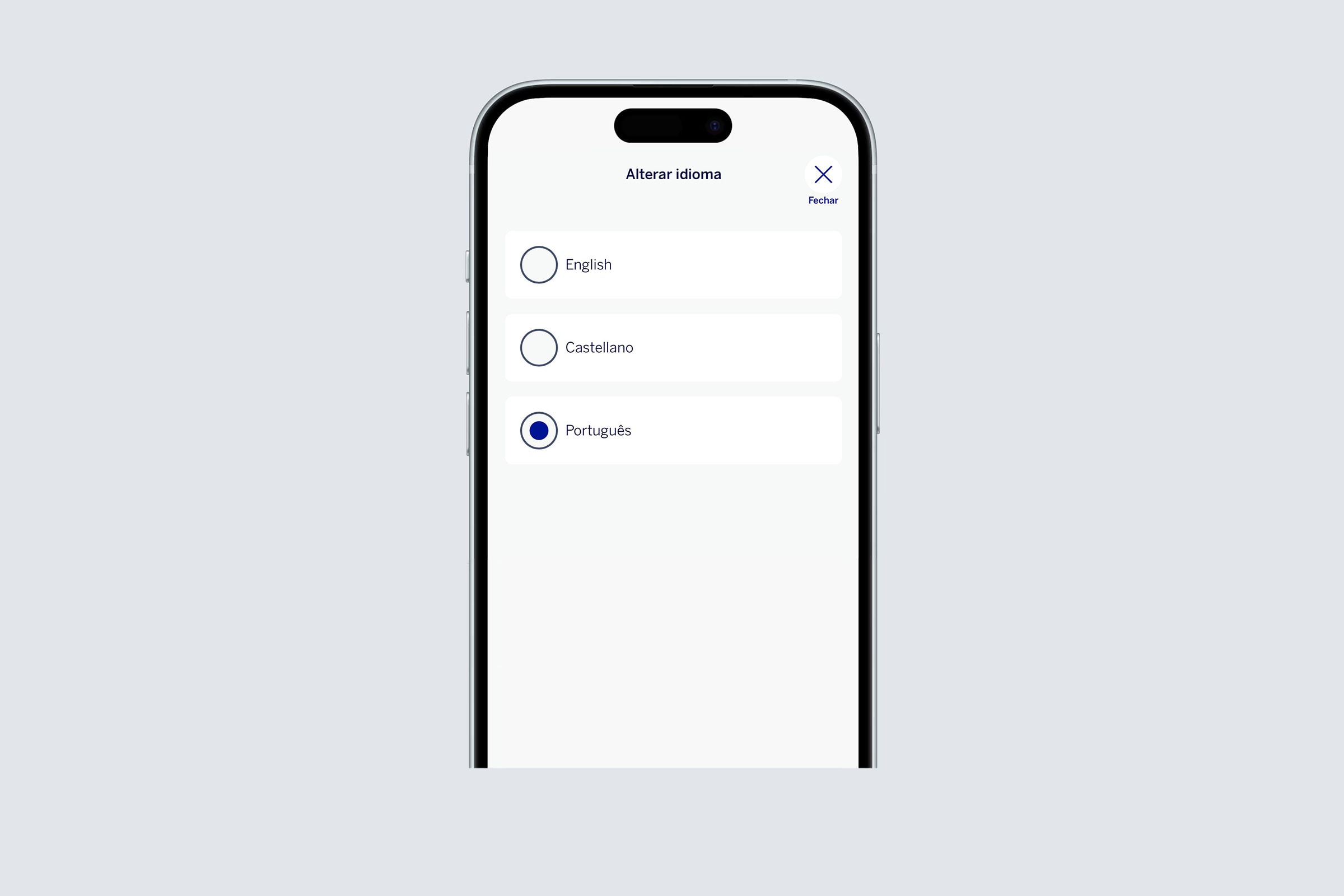
  • Your language

    Choose the language in which you prefer to use the app.
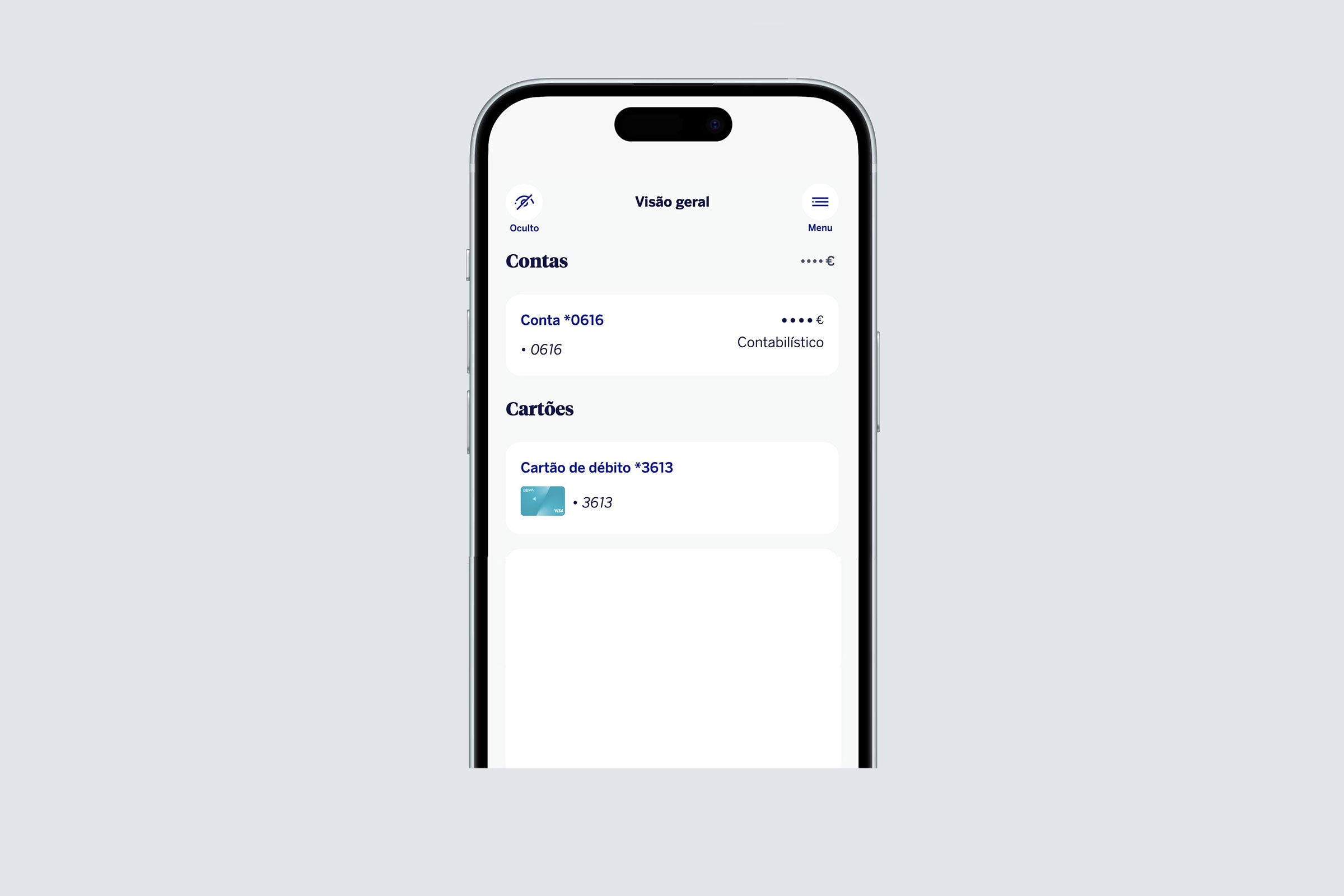
  • More privacy

    Protect the information on your screen from prying eyes.
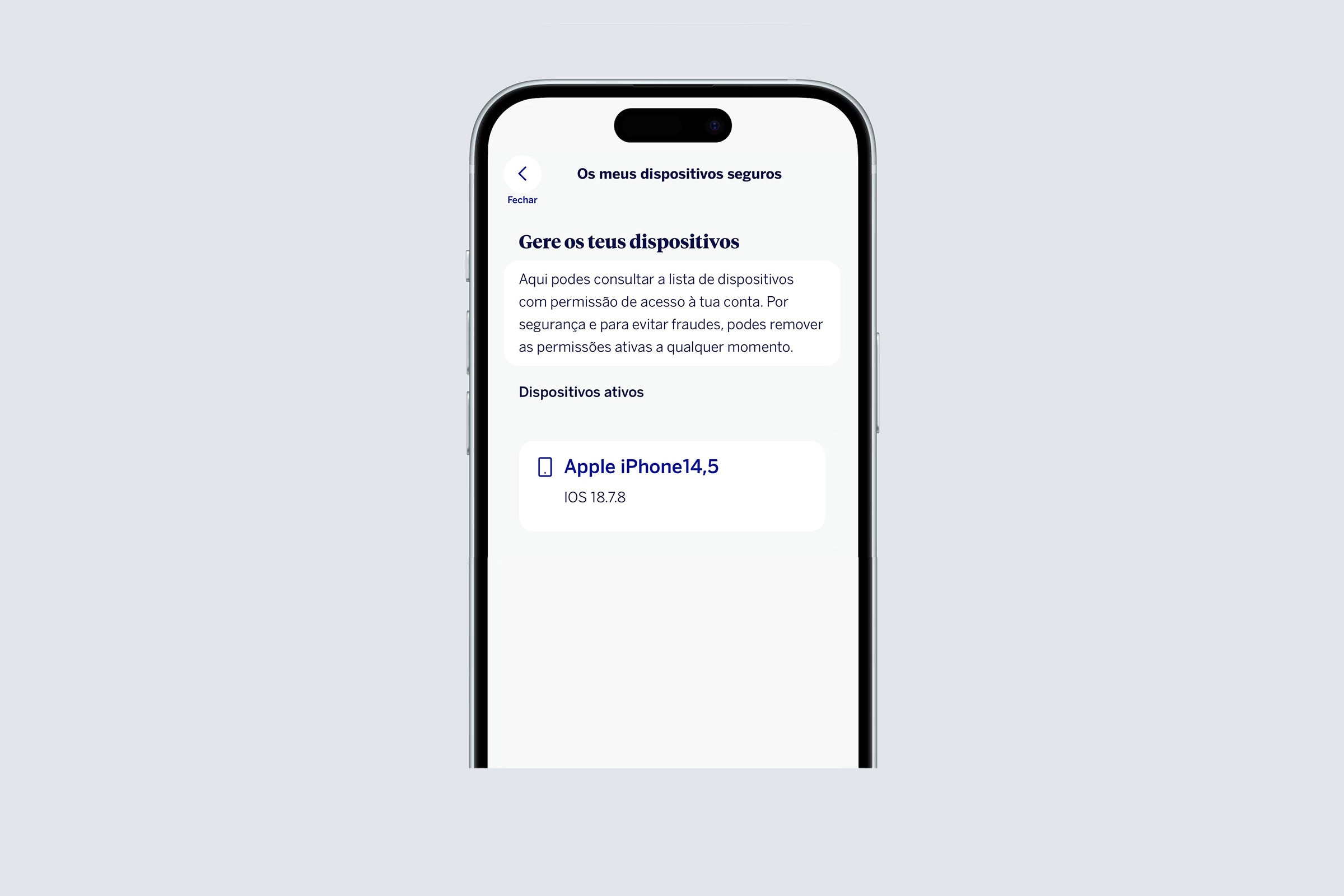
  • Control your devices

    Check which devices have access to your account and control their access.

The features you already know

Keep doing everything you need to.

  • See your balance and transactions;
  • One-off, scheduled, and permanent transfers;
  • Make payments and collections;
  • Manage your cards online;
  • Sign up to investment funds;
  • Sign all your contracts and documents digitally;
  • Talk directly to your BBVA adviser.
  • Check your credit card PIN whenever you need to. 
  • Temporarily block and unblock Credit Card features.

All this without having to visit the bank, whilst maintaining the same level of security as always.

Important! Please ensure that your email address is verified by following these steps: Menu > Profile > Verify email

Your financial life from your cell phone

So that you can enjoy your time as it truly matters.

Your accounts always at hand. View your transactions and cards, make payments and transfers, track your investments, and manage your main day-to-day operations, wherever and whenever you want.

BBVA Net and Cards Helpline

In case of theft/loss of your Card, contact us through the BBVA Net and Cards Line 800 208 208 free of charge (+351 213 911 411 from abroad - call to national landline), available Monday through Friday from 9 a.m. to 6 p.m., or through support. clientes@bbva.com, or speak to your account manager.

Compatibility

BBVA Mobile is a mobile application available for the minimum operating systems of iOS12 and Android 6.0 and is not compatible with tablets or iPads.

BBVA Digital Channels

  • BBVA.pt

    Your banking operations conveniently, quickly, and securely, anytime and anywhere.
  • Secure Mail

    Chat with your Adviser and sign all types of contracts without having to go to the bank.

Contact us

BBVA Helpline

Your bank always on hand

+351 21 391 14 16

(calls to
national landline)

BBVA Customer Support

For those who prefer email

apoio.clientes@bbva.com

Your question will be promptly answered or forwarded.

BBVA Replies

Via the form

BBVA Replies will answer you

For those who prefer not to send an email.

Branch network

Visit us in person

BBVA Branches

Find your nearest BBVA branch.